Why are there two location points?
Target Audience: First time usersDifficulty: EasyPrerequisites: A Lightbug account and access to the mobile app
Why?
There will be two location points if there has not been an accurate location update in more than two days. The most recent location is not always the most accurate. This accuracy depends on the last type of location update your device has emitted. GPS updates are more accurate than WIFI or Bluetooth updates.
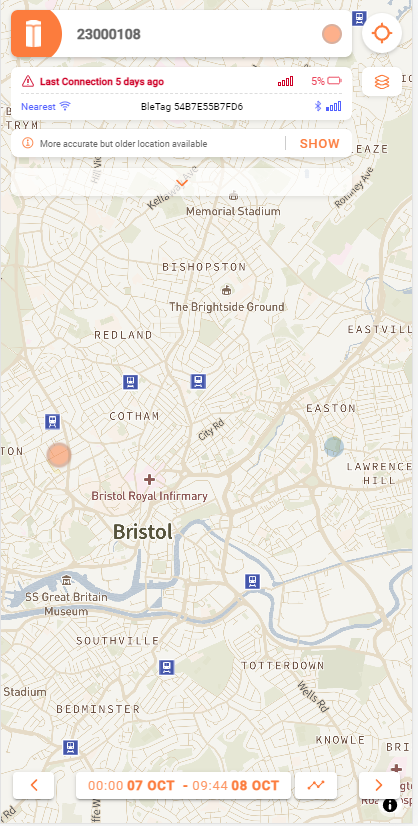
Each device shows two dots, the most recent is shown here in orange, and the older one in grey:
Basic Information
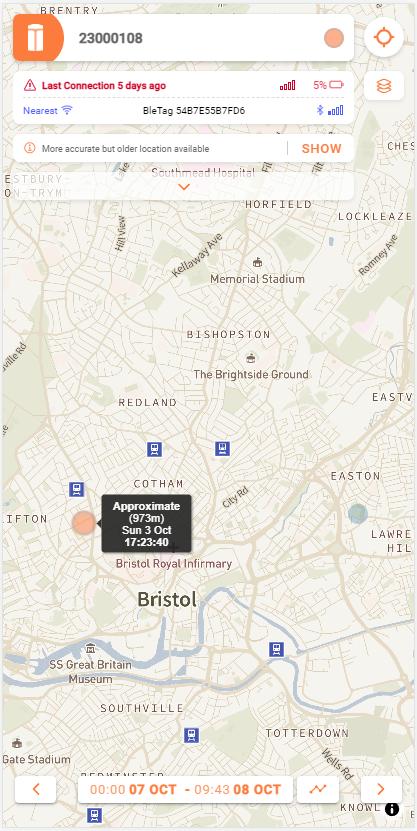
Tapping and holding on the orange dot will display basic information about the location:
More Information
Tapping on the orange dot displays several icons:
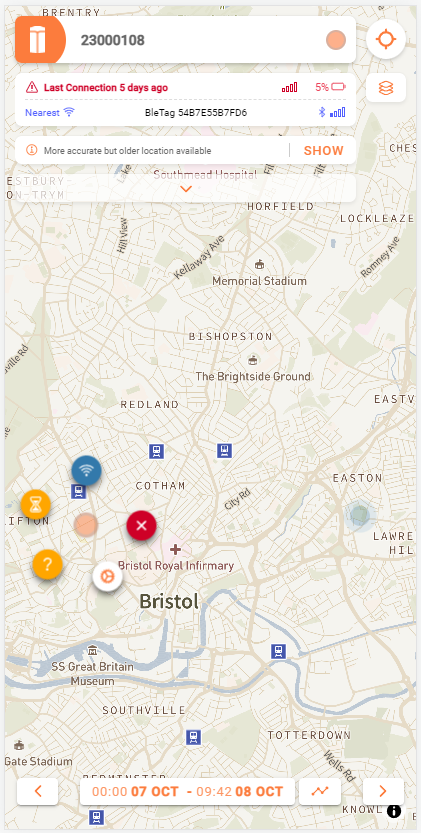
You can tap on each icon to display more in-depth information about the location point:
- The
blue icondisplays information about theBluetooth beacon - The
yellow hourglass icondisplays theage of the location point - The
yellow question mark icondisplays information about theaccuracyof the location - The
cog icondisplays thecurrent device settings - The
red cross iconcloses the other icons.
Tapping on the grey dot will pan the older location to the centre of the screen and display the location information at the bottom of the screen in black:
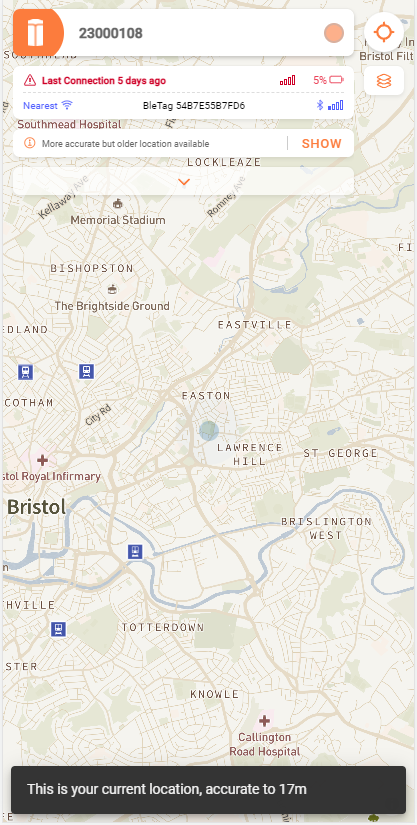
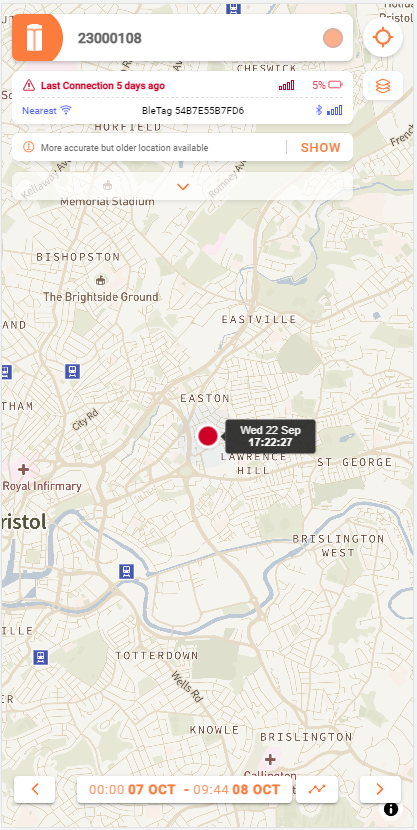
Tapping on the show button will turn the location point red and will pan it to the centre of the screen, displaying the date and time of the location point:

If you have any additional questions about the two location points, don't be afraid to reach out to us!